
Ride requests
Post a ride request when no published trip fits.
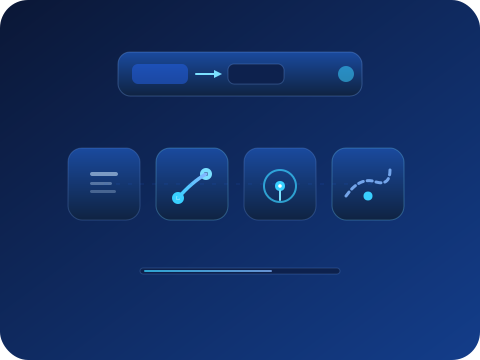
A ride request flips the marketplace around: instead of searching for a trip, you publish your route and date so drivers already planning that route see real demand and can publish a matching trip. This guide covers when to post and what happens next. A request is not a reservation.
Posting a request
- Search first — A request is the fallback, not the first move: check the trips page (including the All mode and wider dates) before posting. If a suitable trip already exists, booking it directly is always faster.
- Post your need from your account — Describe the route, the date or window, seats, and your flexibility. The clearer the route and timing, the easier it is for a driver to recognize your request as matching a trip they could publish.
- Know what happens next — Your request becomes visible to drivers planning similar routes. When a matching trip is published, you are notified. You then book it through the normal secure checkout, like any other trip. Nothing is charged for posting, and nothing books automatically.
Tracking and booking
Follow your request in your passenger space
Active requests show their status and expiry. Requests expire on their travel date if unmatched. You can post a new one, ideally with more flexibility, or keep searching in parallel.
When a matching trip appears
You receive a notification. Open the trip page and review its route, schedule, driver profile, and amounts as you would for any other trip. If it fits, reserve through checkout. The request brought the trip to you, but the booking decision and flow stay entirely normal.
What a request is not
A ride request shows drivers the route and timing you need. It remains a demand signal until a driver publishes a matching trip and you complete a booking. Keep searching while your request is open.